Who is keditec print? where they are? And what their team behind? Know more about us in this page.
About
Company photos
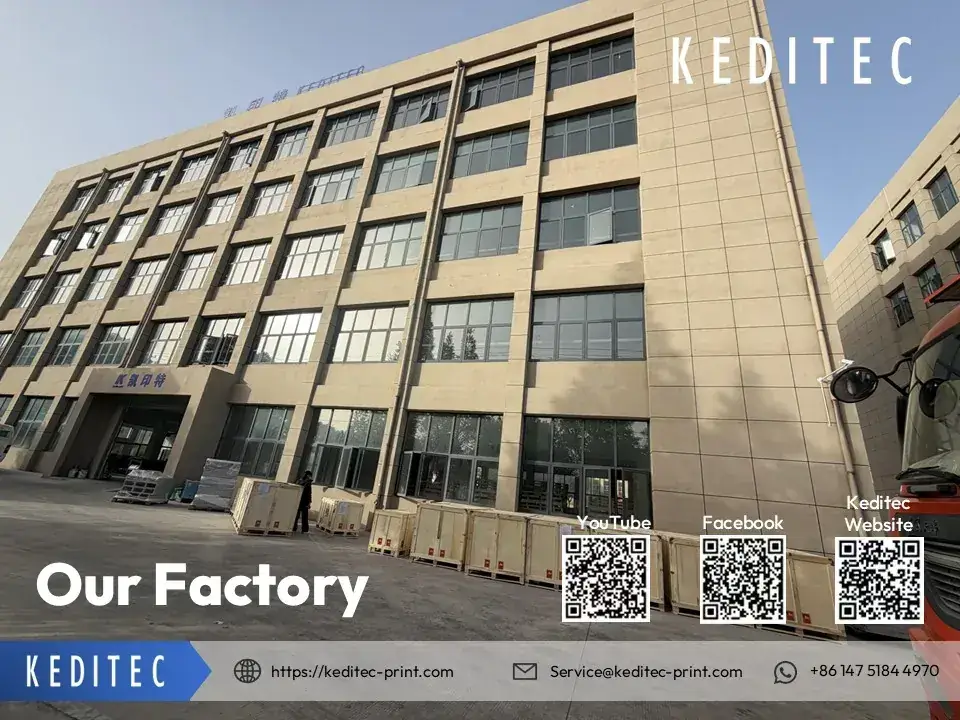
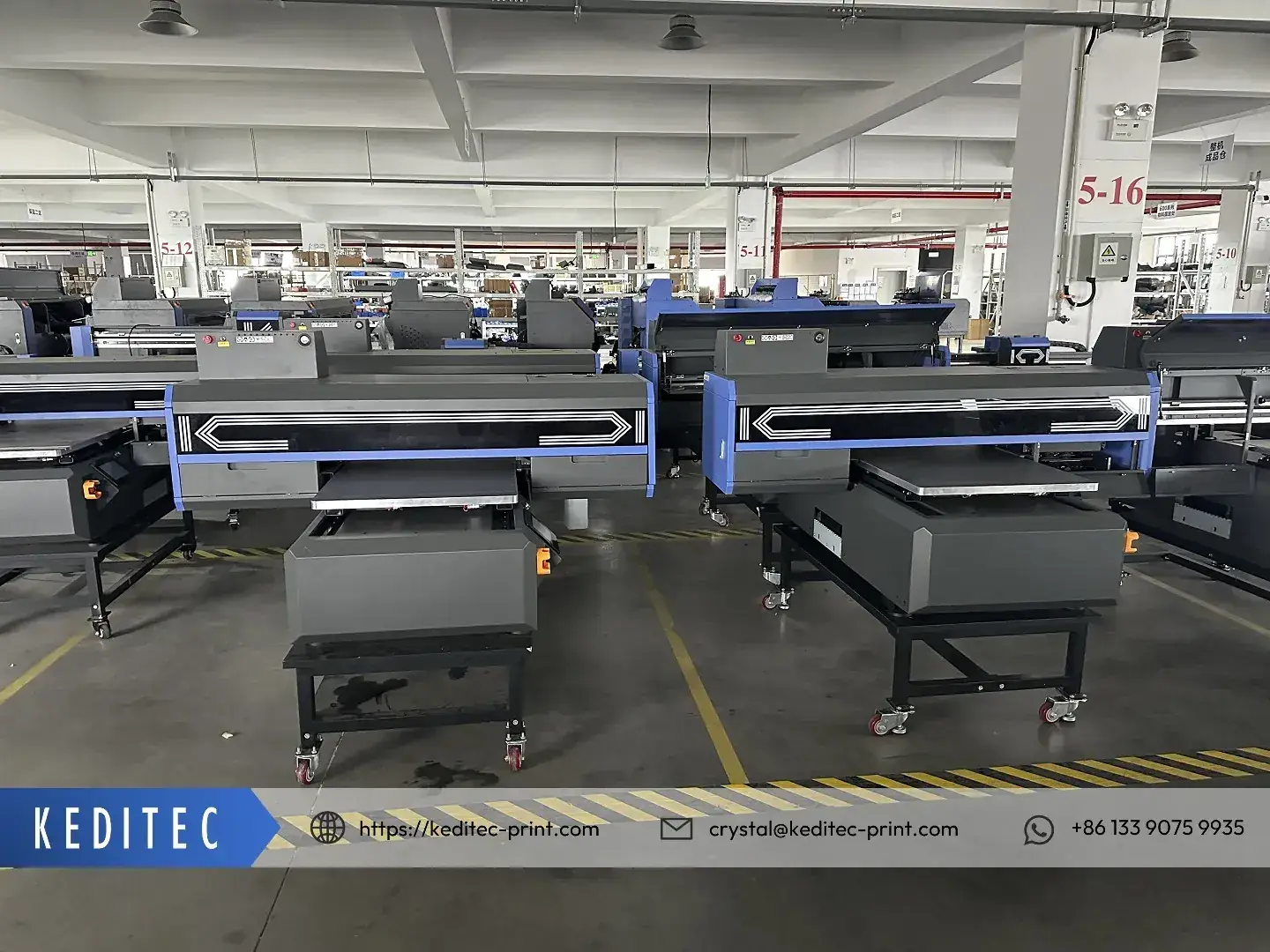
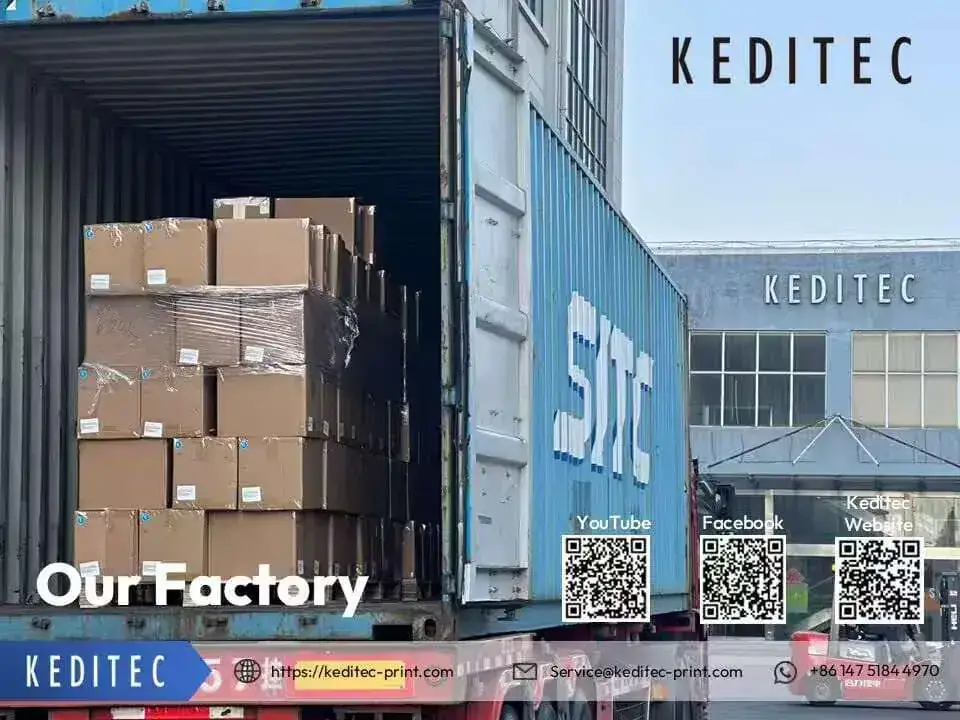
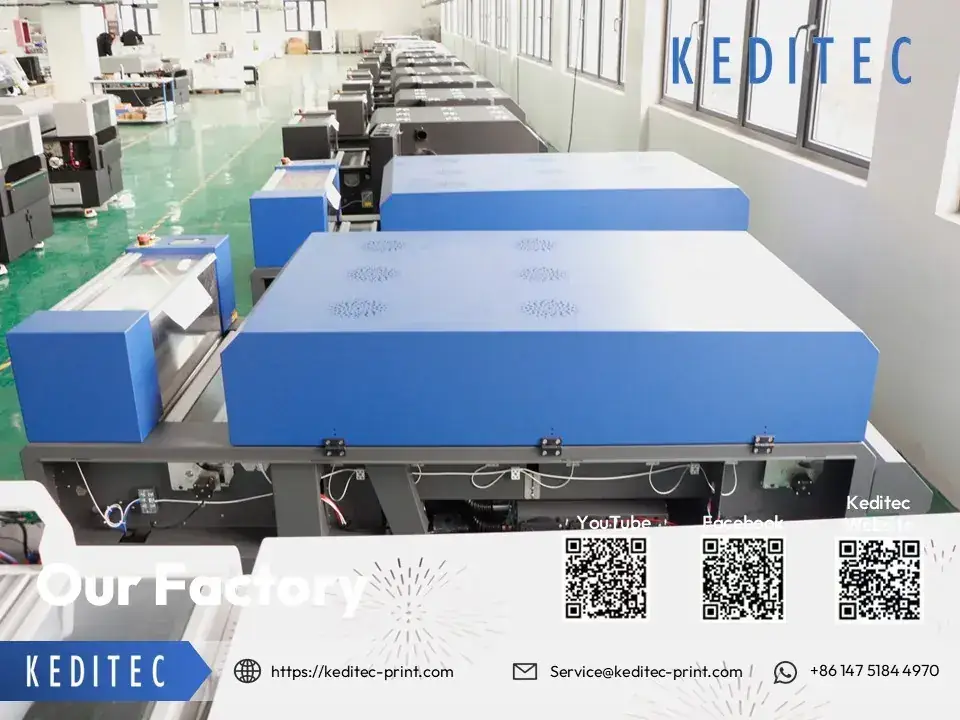
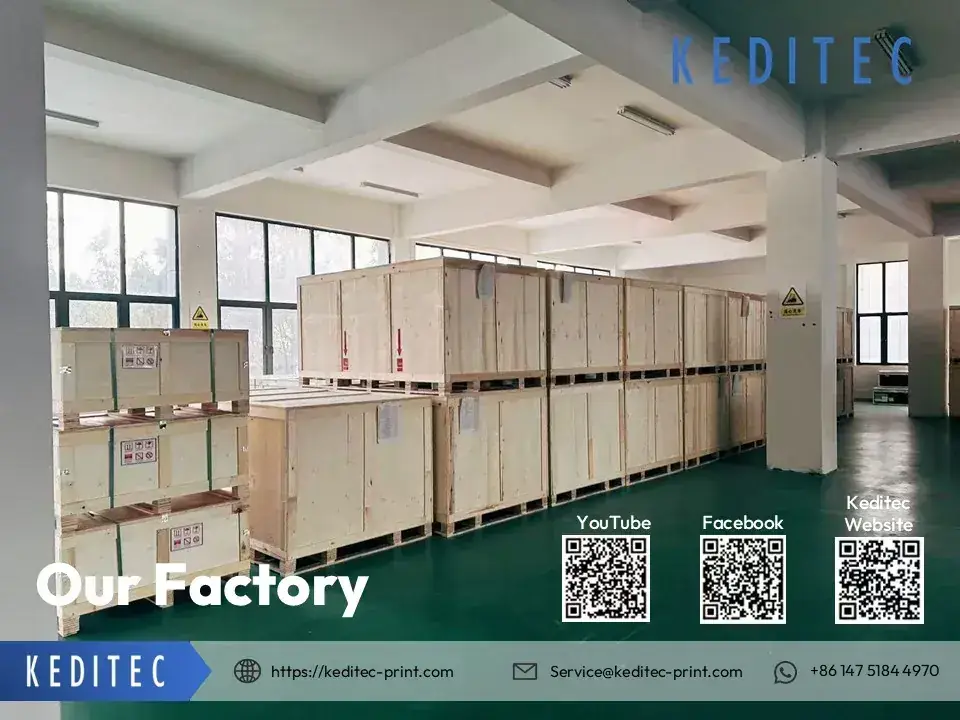
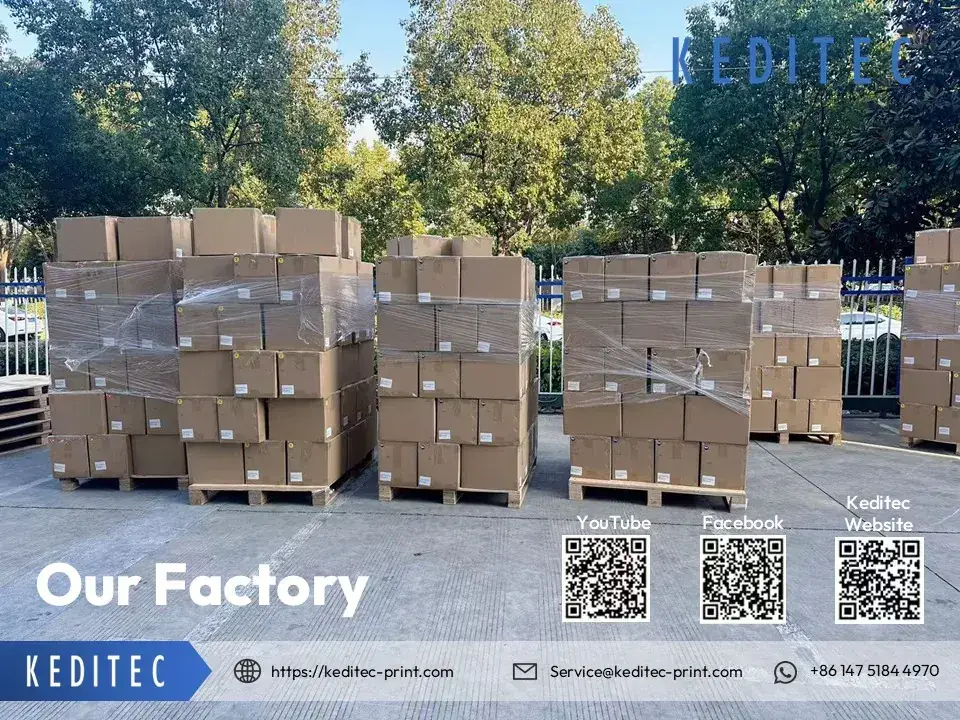
We welcome you anytime!
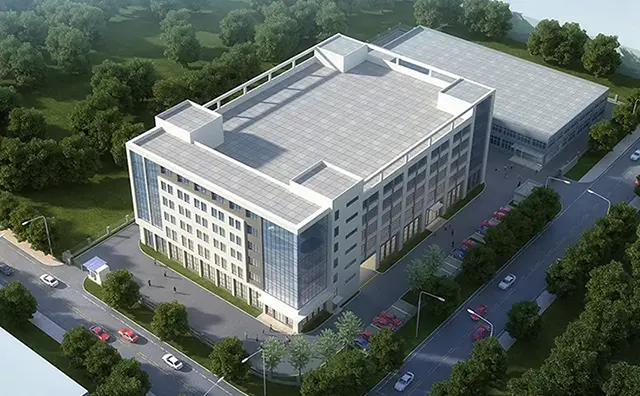
Face-to-face conversation is the most sincere communication. We can take you on a guided tour of our four large modern factories and our corporate headquarters, and welcome respected customers from all over the world.
Who we are?
Nanjing Keditec Technology Co., Ltd. has been committed to R & D and production of durable, advanced and affordable professional digital printers (DTF, UV, sublimation and new eco-friendly ones). The company has obtained ISO 9001 :2015 certification, with a modern production line, a complete quality control system and testing machines.
Quality assurance
We know from the beginning the importance of product quality to a Brand. And we follow through this goal from designing, manufacturing, testing and protection of shipping.
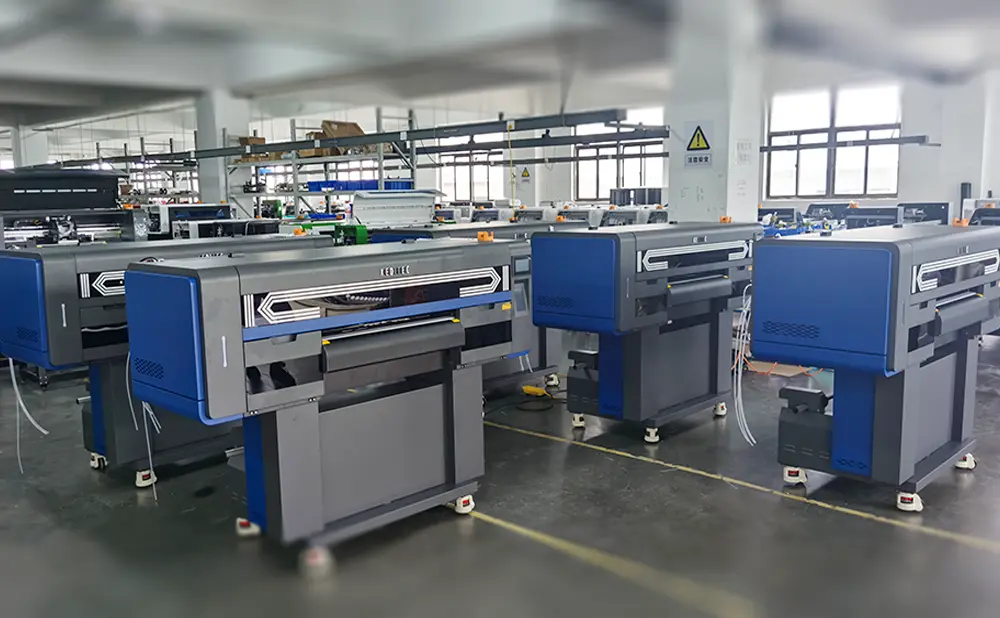
Modern factory
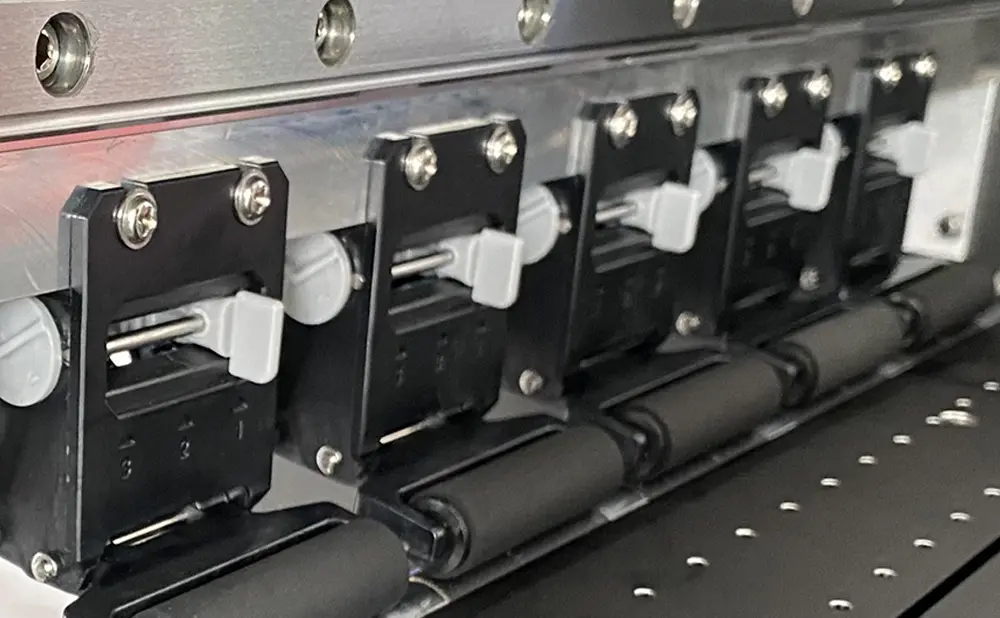
Professional production line, taking into account both production capacity and quality, has set up three processing centers in Shanghai, China, and Nanjing, China, respectively, to meet the demand for printer production.
Team support
The dedicated team of Keditec will always be supportive. Should you have any questions on our products or inquiries, shoot us an email. We’ll reply you within 24 hours. Freely give us a call for urgency.
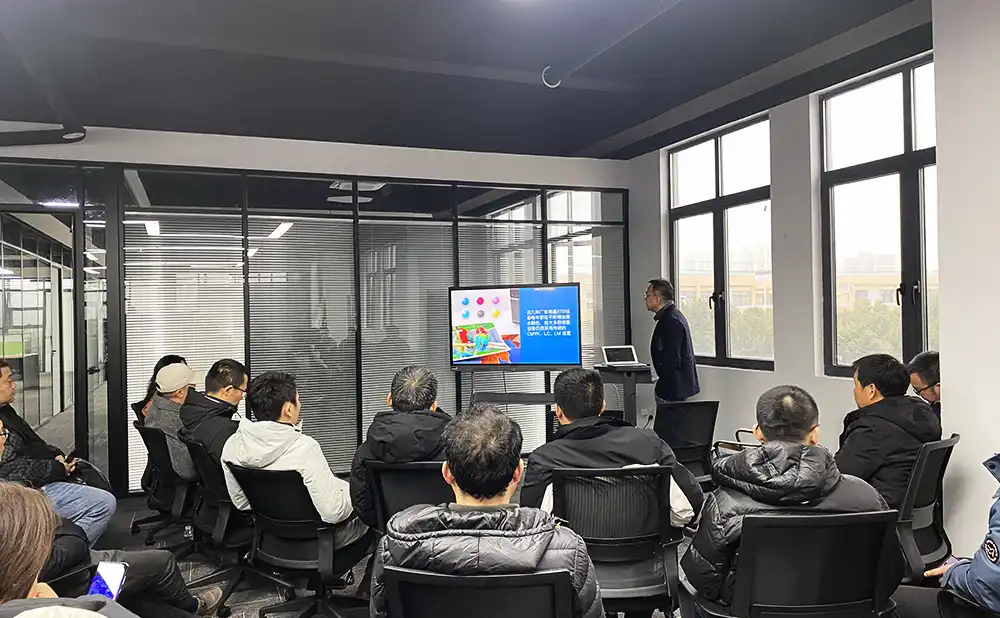
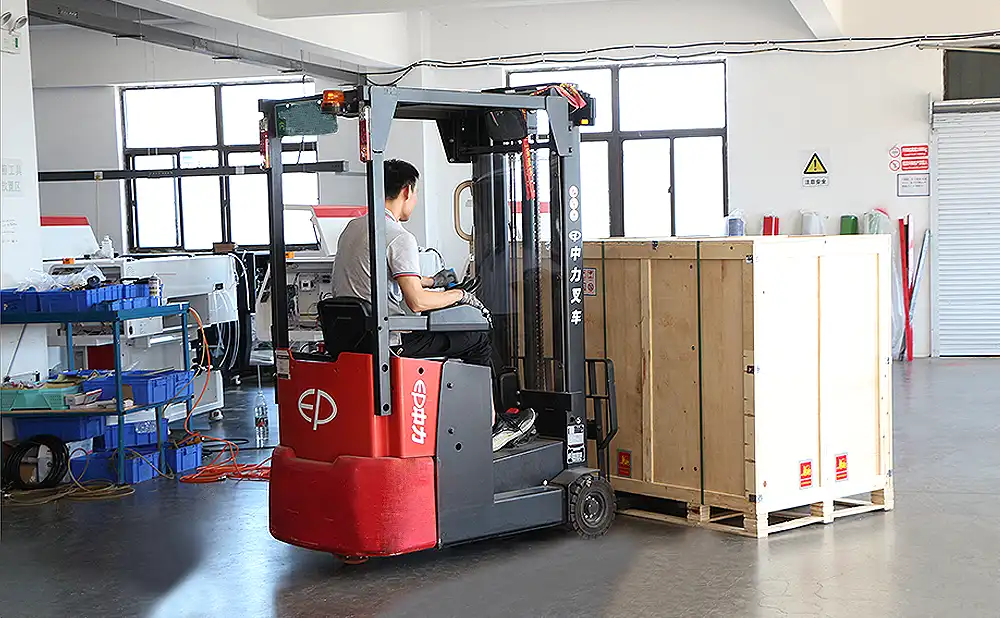
Transportation simulation
Beofre goods shipped to clients, they will have to pass our transportation test as well as drop test. Just to make sure the package does good protection to the products.
Why makes Keditec different?
Kedtiec stands out from its competitors with its core competencies in technology, customization, quality, expert support, affordability, and product diversity.
- Low MOQCompanies of all sizes are welcome. No matter how big or small, Keditec team is happy to assist you and grow with you!
- Innovative technologyIt uses cutting-edge technology in the production of its digital printing products to ensure first-class performance and reliability.
- AffordableAll products are priced competitively, making them an affordable option for customers seeking high-quality digital printers.
- Quality assuranceIn the production of its products, only the best materials are used to ensure durability and longevity.
- Customer serviceWe provide expert support and services to ensure that customers receive the assistance they need to get the most out of their digital printer products.
- Worry-free warrantyWe offer a comprehensive warranty on our products, providing customers with peace of mind and protection for their investment.
Meet our expert team
The awesome sales team of Keditec Printer will serve you whenever you have any questions. Contact us anytime you like. And we will reply to you within 12 hours.
Contact an expert
Kevin
account manager
[email protected]Keditec's continuous efforts in new technologies are its mission to achieve success for customers.
nina
Sales Manager
[email protected]Details determine success or failure, and service determines the long term.
sylvia
Sales Manager
[email protected]Committed to creating better customer service and helping customers succeed.
Crystal
Marketing manager
[email protected]Being organized means less work, more efficiency and more time to do things I am good at.
John
Marketing manager
[email protected]It is essential to optimize complex things and make them simple.
Frequently Asked Questions
Q : What is a DTF transfer printing technology?
A : DTF printing technology, also known as hot powder heat transfer printing technology, is a technical concept initially proposed in the field of digital printing around 2000. It existed in conceptual and experimental forms in the early stage. A mature commercial solution was officially developed and launched by Chinese enterprises in 2018, and large-scale application was achieved in 2019. With advantages such as wide applicability to fabrics, bright colors, and no need for ready-made garment pretreatment, it has rapidly become a mainstream custom printing process.
Q : What is a DTF transfer printer?
A: DTF printing is also known as direct-to-film printing. As the name suggests, a direct-to-film printer can print patterns onto a film material, which is then directly transferred onto the surface of the target substrate, such as fabric. The key reason why DTF printers are gaining increasing attention is that they allow you to freely choose almost any material for printing.。
Q : What is a DTF Printing Solutions
A : As one of the first manufacturers to develop DTF printing technology, Keditec is committed to helping our customers propose and apply more solutions. We have mature commercial cases in various fields and have incubated 20 brands. For more solutions, please contact our technical sales representatives.
Q : DTF Printer vs. DTG, which is better?
- DTF printing is more durable.
- DTF printers transfer designs onto garments via a special film, while DTG printers print directly onto the fabric.
- DTG printers are best for natural fibers, while DTF printers can print on a wider range of materials.
- DTF printers generally produce more vibrant colors on dark fabrics, but DTG printers are faster for individual garments.
Q : What are the differences between UV DTF printers and DTF printers?
- Similarities: Both DTF printers and UV DTF printers require patterns to be printed onto PET film first before being transferred onto the surface of the substrate.
- Differences: The type of ink used by UV DTF printers is different from that of DTF printers. Unlike DTF printers, UV DTF printers adopt UV ink.
Q: What needs to be prepared for the first installation of a dtf printer?
1. Space & Environment
Location: Flat, stable, level surface (≥2 people to move heavy units); clear dust/debris.
Clearance: Leave ≥1m behind, ≥90cm sides for operation/maintenance.
Environment: Temp 22–28°C (72–82°F), humidity 45–60%; good ventilation (ink fumes); no direct AC/heat drafts.
2. Power & Wiring
Supply: Stable 110V/220V; grounded 3‑pin outlet (critical for static protection).
Stabilizer: Mandatory if voltage is unstable (especially for high‑power models).
Cables: Dedicated power cord, USB/data cable (sufficient length, no tangles).
3. Tools & Hardware
Basic tools: Screwdriver, wrench, hex keys (for assembly/foot cups).
Printer base/wheels/stand (if included).
Mounting screws for printer + powder shaker/curing oven.
4. Consumables (Match Printer Specs)
DTF PET film: Roll/sheet size compatible with your printer.
DTF pigment ink: CMYK + white (shake 2min, rest 10min before use).
Hot‑melt adhesive powder (for powder shaker).
Waste ink tank/bag.
5. Computer & Software
PC with USB/network; Windows (most common for DTF RIP).
Installer USB/driver + RIP software (e.g., Photoprint, Onyx, PRO RIP).
USB dongle (license key) for RIP software.
Temporarily disable firewall/antivirus during installation.
6. Pre‑Unpack Check
Verify all parts: printer, powder shaker, curing unit, ink, film, cables, manual.
Remove transport locks/blocks, plastic wraps, cable ties from rails/ink lines.
Quick Setup Steps (After Prep)
Assemble stand/foot cups; level the machine.
Connect power (grounded) and data to PC.
Install ink system + dampers; load film.
Install driver + RIP software; activate dongle.
Run self‑test; print a test pattern to calibrate.
Q: How to contact Keditec technical support?
keditec technical support can be contacted via the official website email and WhatsApp. We welcome you to reply to us at any convenient time, and our technical experts will respond to you within 30 minutes upon seeing your message. The international Internet may sometimes experience outages or other issues, but rest assured that we will continue to confirm the specific problems and situations with our customers.
Q: What are the daily maintenance steps for a Keditec DTF printer?
Before Startup
Ink System Check
Keep CMYK/white ink levels above 10%; filter ink when refilling to avoid debrisKeditec.
Inspect ink tubes for leaks, kinks, or air bubblesKeditec.
Gently shake white ink tanks for 15–20 seconds to re-suspend settled pigments.
Mechanical & Feeding Check
Wipe paper press/feed rollers with an alcohol-dampened lint-free cloth to remove ink/debrisKeditec.
Ensure the film platform is clean and flat; remove dust/fibers.
Nozzle Health Check
Run a nozzle status check and print a test stripKeditec.
If gaps/skips appear, run 1–2 head cleanings; avoid excessive cleaningsKeditec.
During Operation (Quick Checks)
Monitor ink flow and film feeding; stop immediately if jams/leaks occur.
Keep the drying tunnel inlet/outlet clear of dust/ink residueKeditec.
After Shutdown
Printhead Protection
Run the nozzle moisturizing program to park the head in the maintenance unit (prevents drying)Keditec.
Wipe the wiper blade, capping station, and carriage base with cleaning solution to remove waste ink.
Cleaning & Waste Management
Wipe the film platform with a warm water-dampened clothKeditec.
Empty the waste ink tank if >80% full; clean the tank with compatible fluidKeditec.
Final Prep
Ensure the capping station seals tightly to the printhead; keep the area dust-free.
Key Notes
Maintain environment: 22–28°C, 45–60% humidity, good ventilationKeditec.
White ink requires extra care: daily agitation and regular line flushing (weekly)Keditec.
Q: What is the pricing system and shipping process for Keditec DTF printers?
Keditec provides quotations through two models: direct sales from the manufacturer and agency sales. We offer agent prices to agents and ex-factory prices to individual customers. Within a reasonable market price range, we will not significantly reduce or increase the price of the machines. Our pricing is highly transparent, and you may compare it with similar brands. We also welcome and reserve sufficient investment opportunities and negotiation channels for our customers.
Q: What is the factory warranty period and coverage for Keditec's DTF printers?
keditec is one of the first manufacturers in the entire industry to implement a one-year warranty for complete machines. Over the past decade, we have gradually expanded the scope of our warranty while prioritizing the interests of agents and customers. For core components, the specific terms shall be subject to the provisions in the sales contract. You may negotiate and confirm specific details with our sales managers and agents. We are ready to help our customers solve various problems.
Contact Us
2026 CE certification
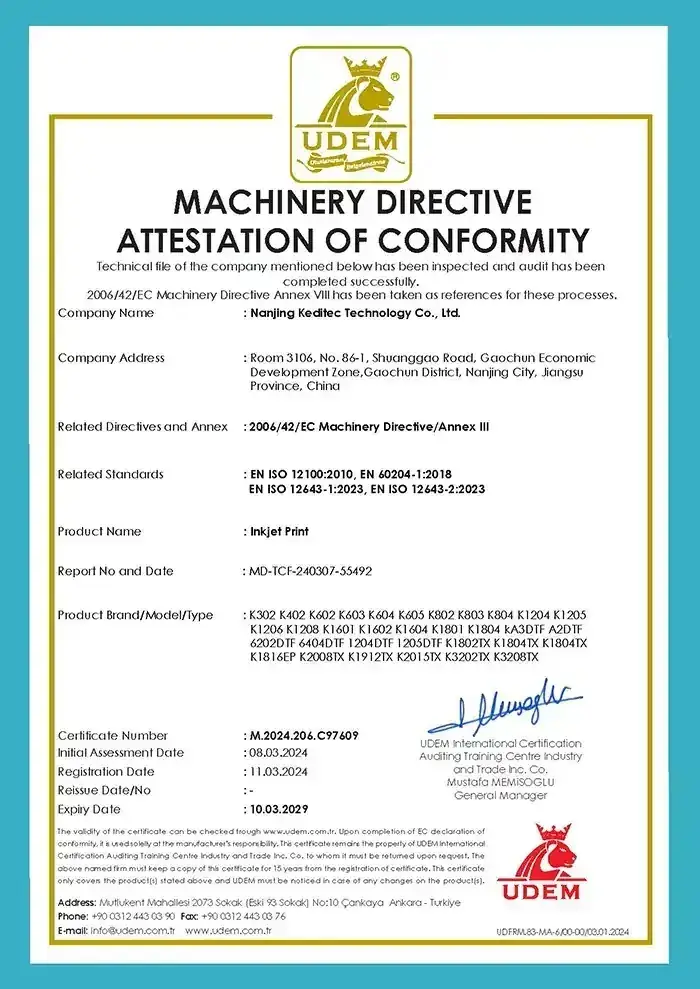
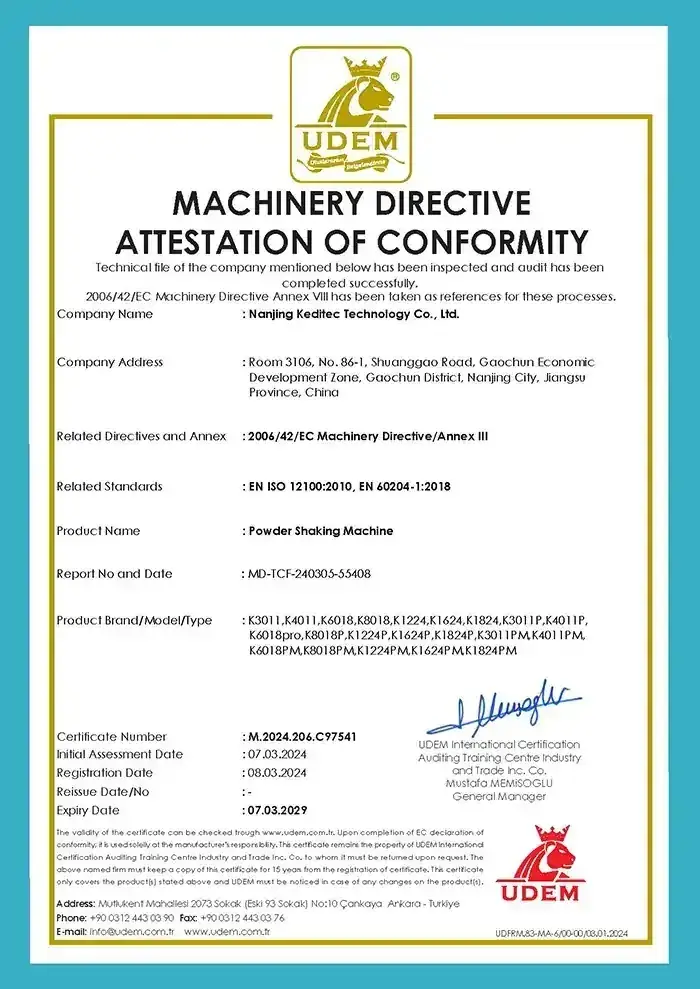
Download the file
You can contact our customer service to obtain the password for the compressed package.
Proudly made in China
We are proud to produce our innovative digital printer products right here in China. We use state-of-the-art technology and the skills of experienced craftspeople to bring our customers high-quality products that deliver the perfect printing performance.
By manufacturing in China, we are able to offer competitive pricing and quick delivery times, while still maintaining our commitment to excellence in every aspect of our business. Whether you are looking for digital printers, sublimation printers, UV printers, or any other type of printer, you can trust that Keditec Printer will deliver a solution that meets your exact needs.
Contact us
🔒 All your information is secure and confidential! We won't send you spam emails. You will get our reply within 12 hours. If not, please check your spam box.