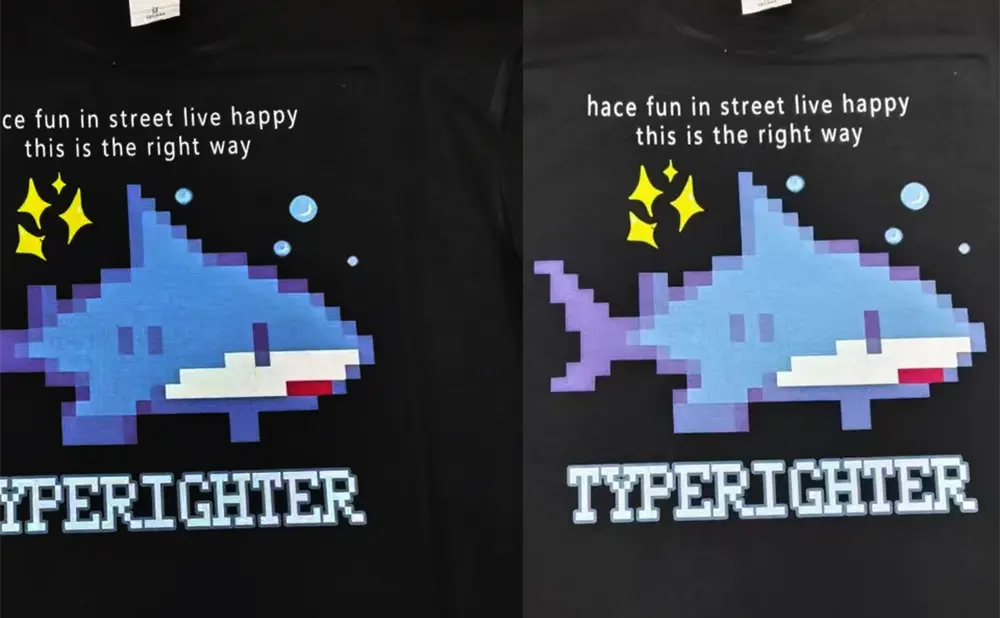
DTF (Direct to Film) printing is a popular technique for producing high-quality designs on various fabrics. However, like any garment printing method, DTF can encounter problems — and one of the most common is color cast. This guide provides a long-term effective analysis of the causes and step-by-step solutions.
1. Incorrect Color Mode Setting
DTF printers operate using the CMYK color mode. If your image is set to RGB in software such as Adobe Photoshop, severe color discrepancies will occur.
- Solution: Always check the image’s color mode before printing and convert it to CMYK.
2. Poor Ink Quality or Type Mismatch
Ink quality directly determines the final print result. Low-quality or incompatible inks make accurate color reproduction difficult. Even printers of the same model can produce different results with different inks.
- Solution: Always use the ink recommended by your DTF printer manufacturer. This saves significant troubleshooting time and ensures color consistency.
3. Computer Color Management & Device Settings
Color distortion can also stem from your computer’s color management settings, monitor calibration, printer resolution settings, or the media type being used.
- Solution: Before large-volume production, always run sample tests first. Repeat testing and adjustments until the desired outcome is achieved. This saves materials and ensures customer satisfaction.
4. Clogged Printhead
For DTF printers using white ink, a clogged printhead (where certain nozzles fail to fire) will result in missing colors in specific areas of the design.
- Solution: First, run the printer’s automatic cleaning cycle 1–2 times. If the problem persists, manually clean the printhead using a specialized cleaning solution.
FAQs
Q: Why does a DTF printer have color cast?
A: The four main reasons are: wrong color mode, poor ink quality, incorrect computer color management, and clogged printhead.
Q: How can I prevent printhead clogging on my DTF printer?
A: Clean the printhead regularly, use high-quality ink, and keep the printer in a dust-free environment.
Q: How do I set the correct color mode for an image?
A: In software like Photoshop, change the image mode to CMYK.
References (Clickable Links)
keditec Summary:
Color cast is a very common issue with DTF printers. Even printers of the same model can show color differences due to ink variations or color curve adjustments. Don’t panic — simply follow the systematic troubleshooting steps above. If the issue remains, contact a professional service technician from your printer manufacturer.